
Uncover the Mystery Behind Your Phone's Green Dot Signal
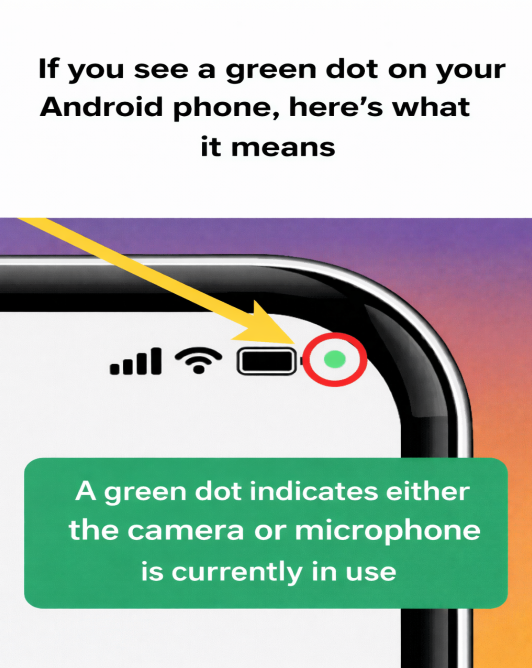
The green dot on an Android phone indicates when the camera or microphone is in use by an app. This feature aims to enhance transparency for users.
When you see the green dot, it means an app is currently accessing the camera, microphone, or both on your device. This occurs when you use apps that require these permissions, like video calls or taking photos.
If you notice the green dot but are not using the camera or microphone, you may want to check your settings. Swipe down from the top of your screen to see which app is accessing these features.
To manage app permissions, go to your device's Settings menu, select Privacy or Permissions, and adjust access settings for individual apps. This helps you control which apps can use sensitive features.
Regularly reviewing permissions can improve security, protect personal data, and ensure apps only access features you approve. This feature is part of ongoing efforts to empower users with more awareness and control over their device's privacy.