
Unveiling the True Significance of the Green Dot on Your Phone
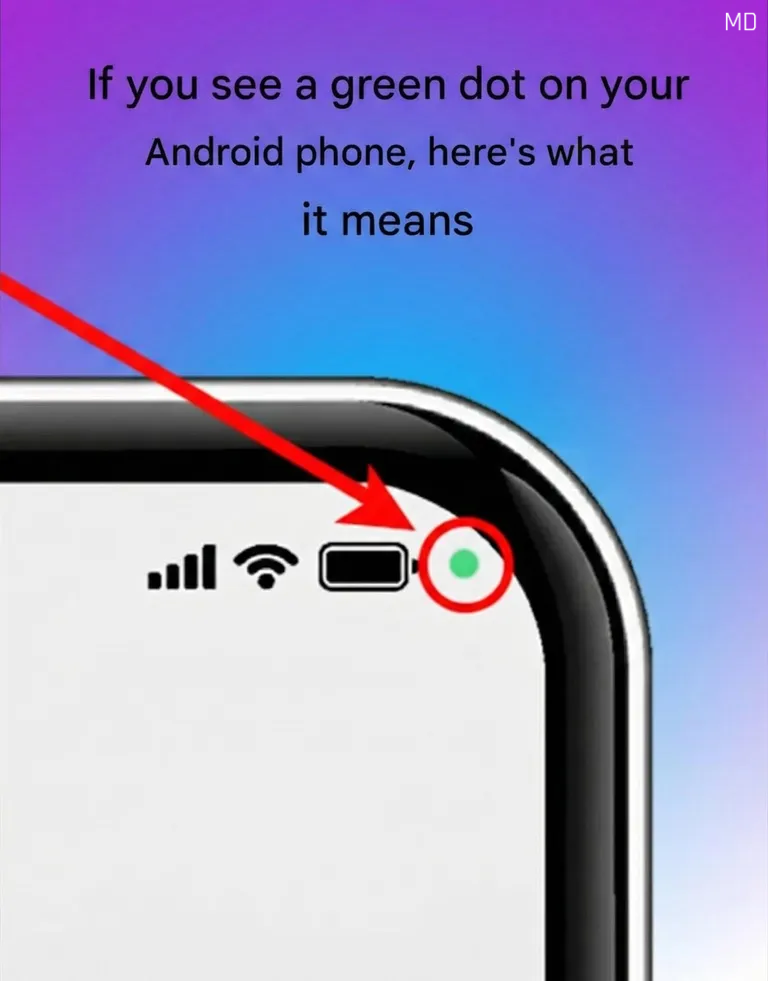
If you have seen a small green dot on your Android phone, don't worry. This is a privacy feature indicating that an app is using your camera or microphone. It is part of Android's privacy updates to provide users with more transparency and control.
The green dot shows up when apps are actively using your camera or microphone, such as during video calls, voice recordings, or using voice assistants. It is not a warning but a confirmation that these hardware components are in use.
If the green dot appears when you are not using these features, you can easily check which app is accessing them. Swipe down from the top of your screen, tap on the indicator to see details, and determine if it is expected behavior.
To manage app permissions for camera and microphone access, go to Settings, select Privacy, and review the Permission Manager. You can adjust permissions for individual apps to allow access only when needed or revoke it entirely. Regularly reviewing permissions enhances digital safety and protects personal data.
The green dot is part of Android's efforts to keep users informed and in control of their devices. It aims to ensure secure and transparent usage, empowering users to manage their privacy effectively.